Settings
Branding and SEO
When someone shares a link to one of your hosted checkout pages, they see the details you set under Settings → SEO & Branding. Your logo and colour here are also the starting point for your receipt emails.
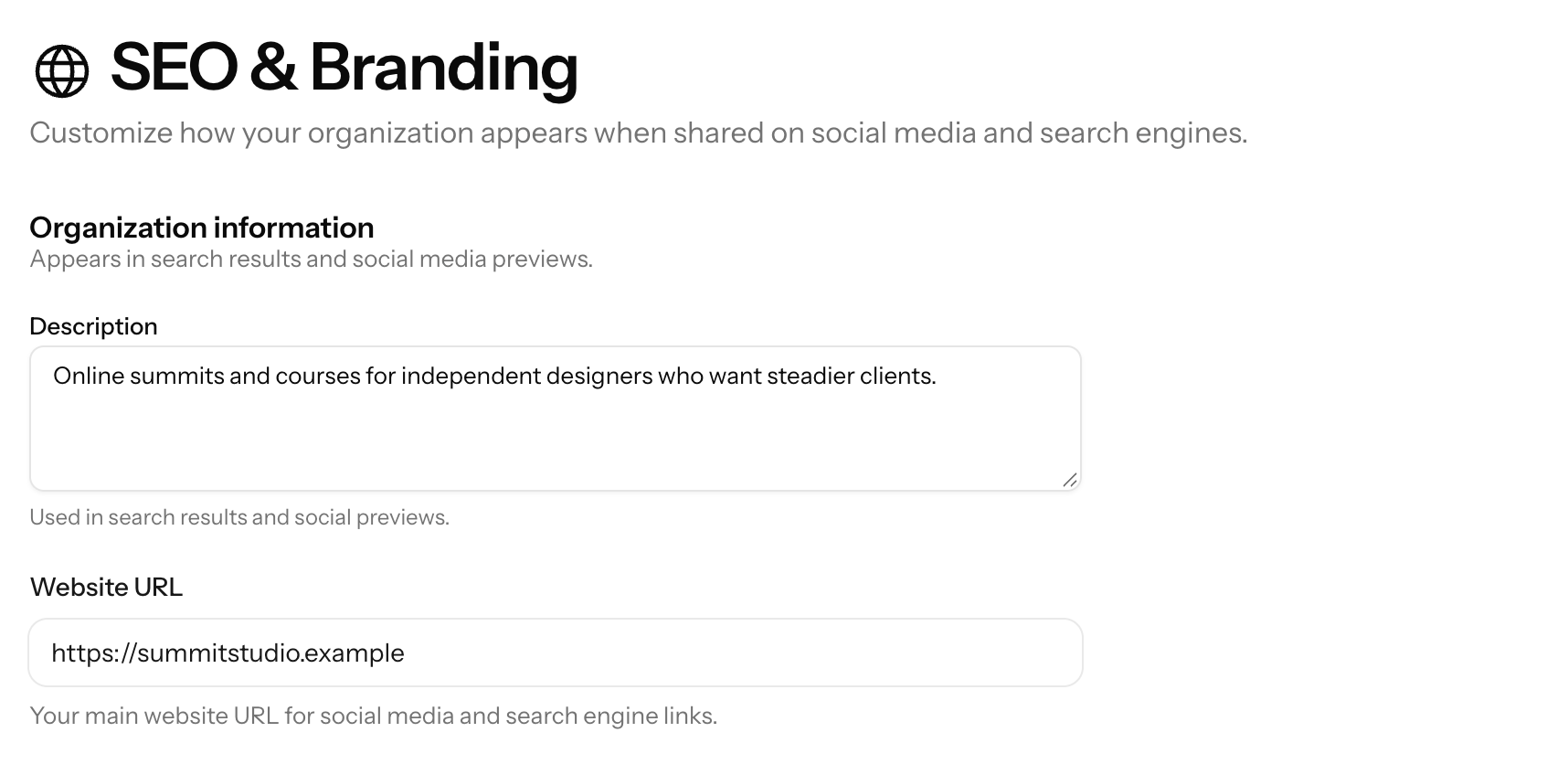
The settings
| Setting | Used for |
|---|---|
| Description | The line under your page title in link previews. |
| Website URL | Your main site. |
| Organization logo | Shown in link previews. Use a square image, about 512×512. |
| Favicon | The small icon in browser tabs and bookmarks. About 32×32. |
| Primary brand color | The browser's theme colour on mobile, and other brand touches. |
| Social media | Links to your Facebook, Twitter / X, Instagram and LinkedIn profiles, added to the page's sharing data. |
Preview shows how a shared checkout page will look: your logo, "Organization name — Checkout", your description and website. Click Save changes when you're done.
Receipts and invoice emails
Receipt and invoice emails use this logo and colour unless you set different ones under Customer invoices. See Notifications and customer invoices.
Checkout design
Each checkout's colours, fonts and layout are set in the checkout editor, not here. See Design.