Affiliates
Import from another affiliate tool
If you run an affiliate program somewhere else, bring your partners across. Plandalf keeps their old link codes, so links they've already shared keep earning.
What you can import from
| Tool | How |
|---|---|
| Tolt | Your Tolt API key |
| Rewardful | Your Rewardful API secret |
| FirstPromoter, PartnerStack, Tapfiliate, AffiliateWP, Dub, LeadDyno | A CSV export from the tool |
| Something else | A CSV file |
What comes across
- Partners, with their link codes, payout emails and a rate for each of their groups.
- Partners still waiting for approval, if you choose.
- From Tolt, the customers each partner referred, so their renewals keep paying the right partner.
Past commissions and payouts don't come across. Settle what you owe in your old tool and export your history before you close it.
Import your partners
Go to Affiliates → Settings → Switching tools and click Move from another tool, or click Import partners on the Partners screen.
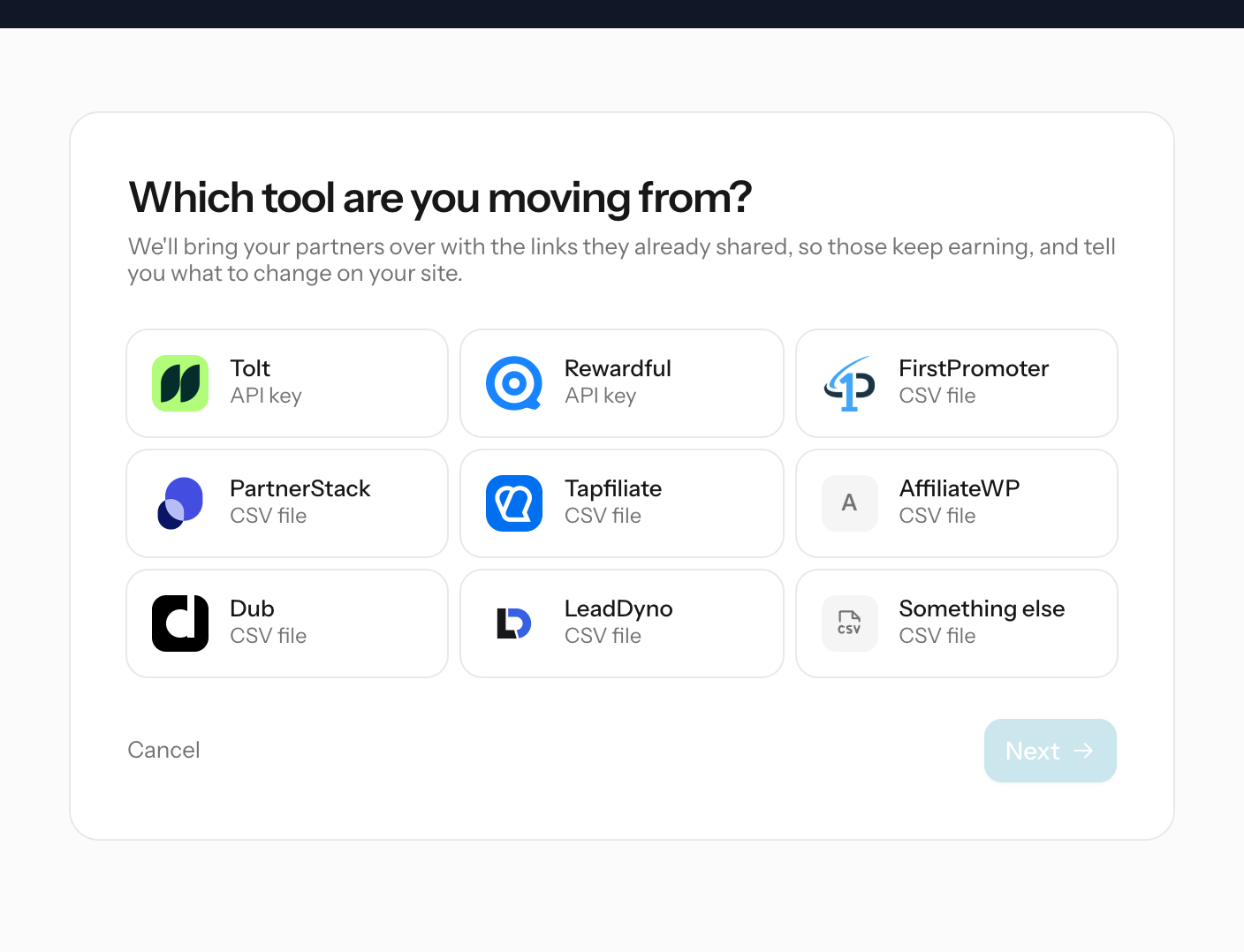
Your old tool
Pick the tool you're moving from and click Next.
Bring your partners
Paste your API key, or choose your CSV file (up to 20 MB). Each tool has a step-by-step guide for finding these. Click Check my partners. Nothing is imported yet.
Check before importing
Plandalf shows how many partners it will add, how many old links it keeps, and any it skipped or wants you to look at. Set a rate for each group from your old tool, and choose whether to bring pending applicants. Click Download full report for the details, then Import.
Finish the switch
Work through the checklist: remove your old tool's tracking, settle what you owe, export your history, tell your partners and close your old account. Click See your partners when you're done.
Code written for your old tool
If your site or server reads your old tool's referral, such as window.tolt_referral, Plandalf can fill the same places with its own referral token. Under Settings → Switching tools → For developers, set the Page variable, Cookie name or Stripe metadata key your code already uses. Plandalf also reads that Stripe metadata key when crediting Stripe sales.