Get started
Your Plandalf host and API keys
Every Plandalf organization has its own subdomain. Your script, your checkouts and your hosted pages load from it. API keys let your server talk to Plandalf.
Your host
Your host is YOUR-ORG.plandalf.dev, where YOUR-ORG is your organization's subdomain. Every snippet on a checkout's Share screen already uses it. The API returns it too, as sdk_url from GET /api/v1/organization.
Create an API key
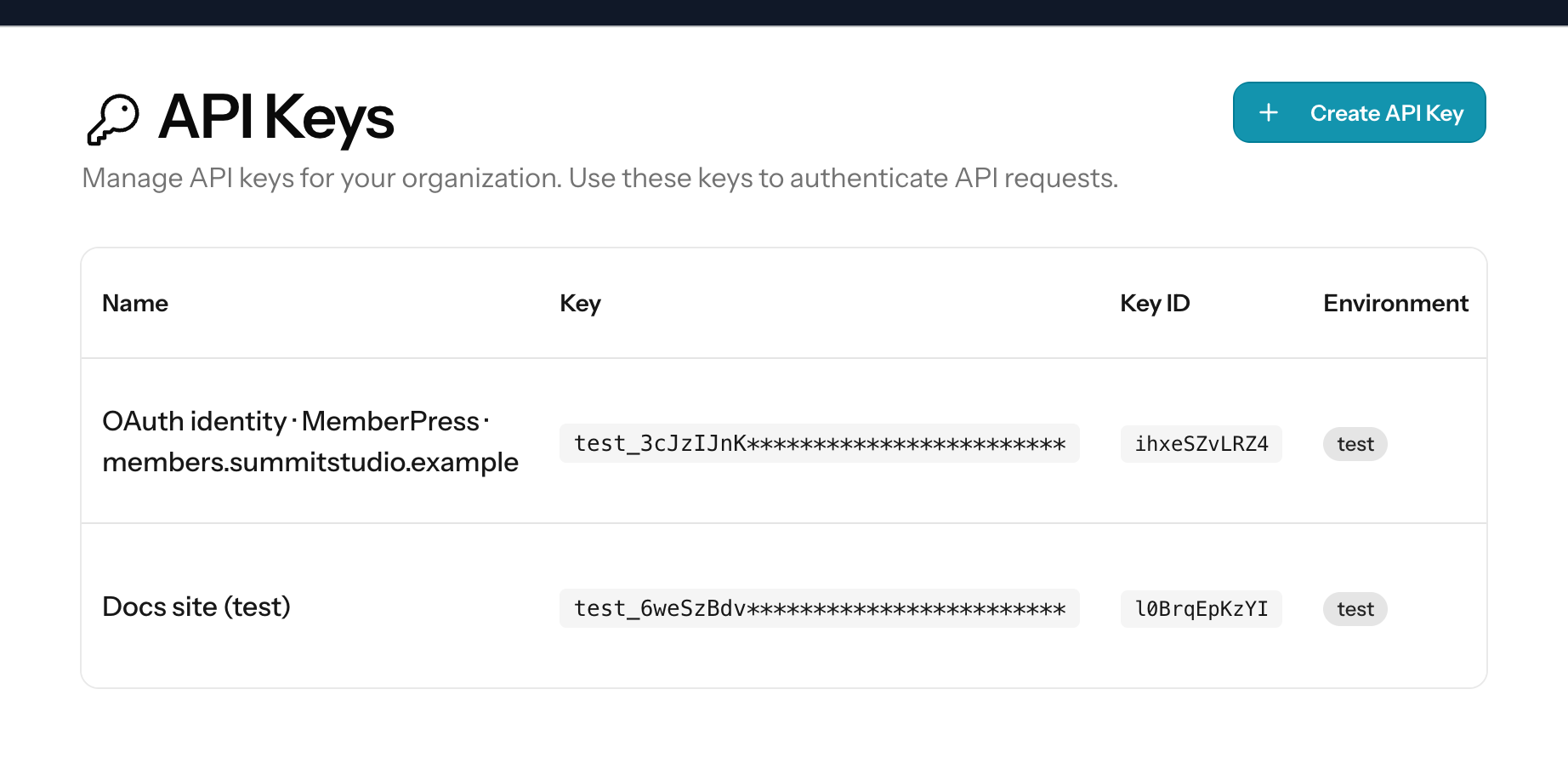
Go to Settings → API Keys and click Create API Key. Keys start with test_ or live_. A test key's webhooks get test purchases, and a live key's get real ones.
An API key can change your catalog and read your customers. Never put one in a page, a page builder's custom code or an app bundle. If one leaks, delete it and create another.
Use a key
Send it as a bearer token:
curl https://admin.plandalf.dev/api/v1/organization \
  -H "Authorization: Bearer $PLANDALF_API_KEY"
See Authentication for the rest of the API.