Frameworks

 Angular
Use the hosted script to open a checkout from an Angular template. To read checkout state through signals, use the Angular package.
Add the script
Open Share on your checkout and choose HTML. Copy the script tag and paste it before </body> in src/index.html.
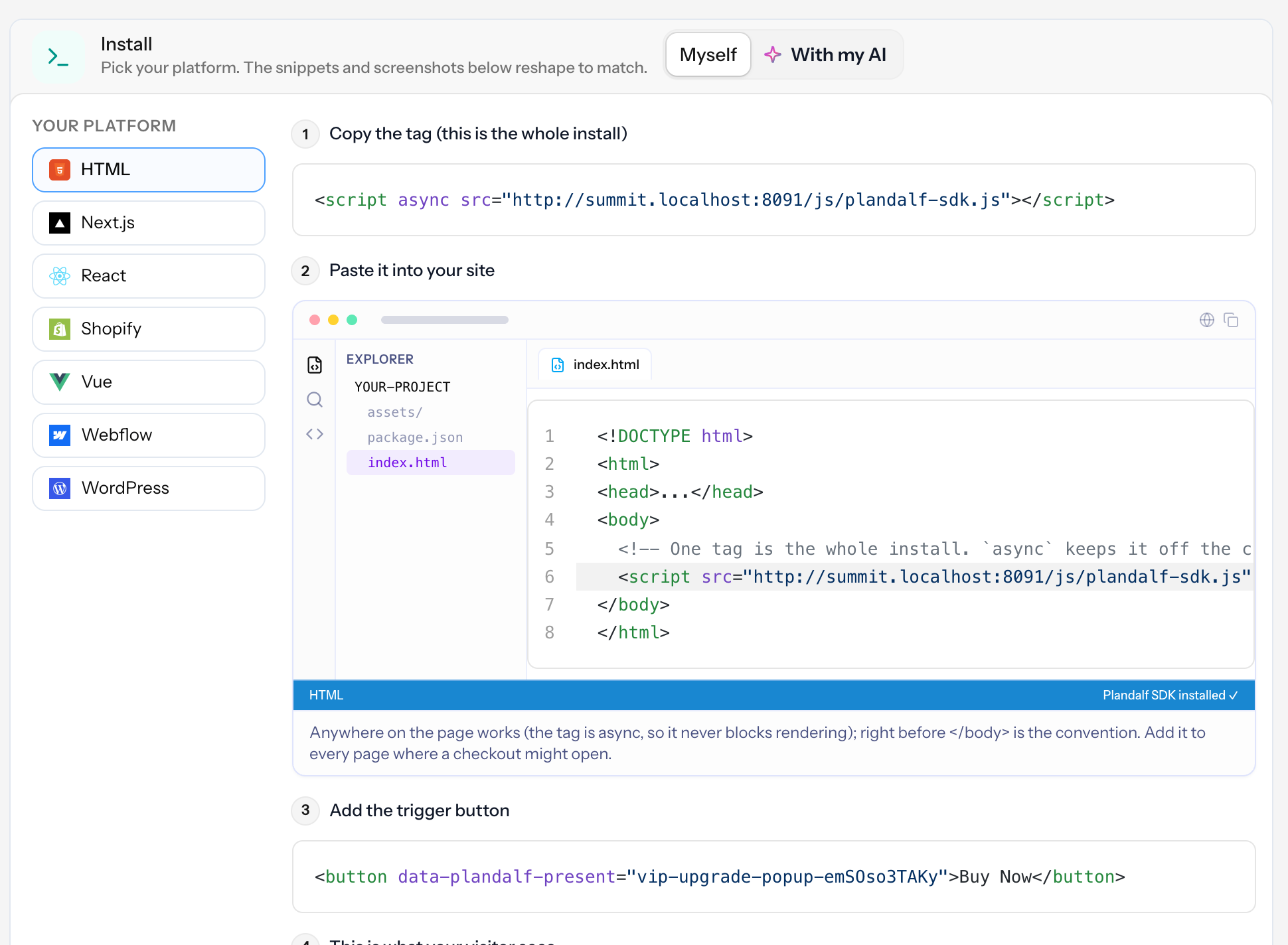
<script async src="https://YOUR-ORG.plandalf.dev/js/plandalf-sdk.js"></script>Open a checkout from a button
Add the buy button from Share to your component template.
<button data-plandalf-present="YOUR-CHECKOUT">Buy Now</button>Show a checkout on the page
To display the checkout inside your component, put this empty element in its template and replace YOUR-CHECKOUT with your checkout slug.
<div data-plandalf-mount="YOUR-CHECKOUT" style="min-height: 480px"></div>Show a deadline timer
Use your deadline timer's slug for the countdown and the buy button so Plandalf applies the current deadline timer price.
<div data-plandalf-promo="YOUR-PROMO"></div>
<button data-plandalf-present="YOUR-CHECKOUT" data-plandalf-apply-promo="YOUR-PROMO">Buy Now</button>The @plandalf/angular package
For Angular 17 or later, install the package and add providePlandalf to your app's providers.
npm install @plandalf/angularimport { bootstrapApplication } from '@angular/platform-browser';
import { providePlandalf } from '@plandalf/angular';
import { AppComponent } from './app/app.component';
bootstrapApplication(AppComponent, {
providers: [providePlandalf({ apiBase: 'https://YOUR-ORG.plandalf.dev' })],
});Call the injection helpers in a constructor or field initialiser. For example, read the presenting signal in your template and call present() when the buyer clicks.
import { Component } from '@angular/core';
import { injectPresent } from '@plandalf/angular';

@Component({
  selector: 'app-buy-button',
  standalone: true,
  template: `<button [disabled]="checkout.presenting()" (click)="checkout.present('YOUR-CHECKOUT')">Buy Now</button>`,
})
export class BuyButtonComponent {
  readonly checkout = injectPresent();
}- Read the current tier and seconds left with the
tier()andremaining()signals frominjectPromo(slug). - Use
injectGate(name, flow, check)to readaccess()and run the gate withtrigger(). - Use
injectUser()for the buyer'stoken()andinjectReferral()for the visitor'sreferral(). injectPlandalf()returns the SDK instance.
Check it's working
Run your app and click Buy Now. Plandalf should display your checkout over the page. To try a payment, add your preview host under Settings → Advanced → Test domains and follow Test mode.
If it isn't working
For the hosted script, compare the script URL and button slug with the values in Share. If you use the package, check that you registered providePlandalf at startup and called injectPresent() during component creation. Call the returned present function in the click handler.