
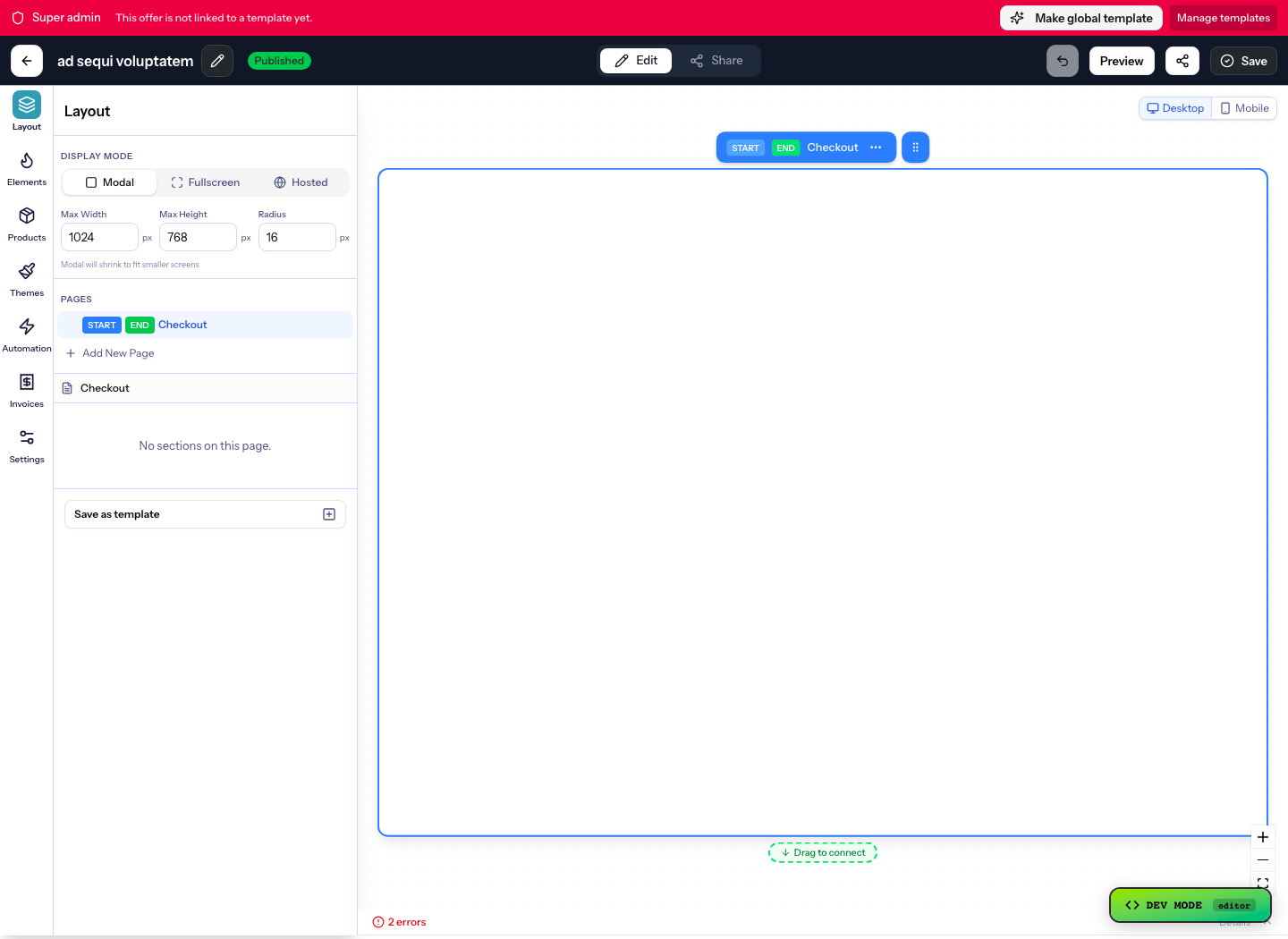
Build the buying surface first
Operations need the offer, checkout, product, price, invoice, and automation handoff visible before traffic goes live.
See more specific patterns in the use-case library.
This page should work like a practical implementation map for operations: Offers, checkout, payment, integrations, invoices, API work, webhooks, and post-purchase automation all one click away.
Operations need the offer, checkout, product, price, invoice, and automation handoff visible before traffic goes live.
After purchase, Operations can use Automations, webhooks, and sequences to grant access, update CRM, send fulfilment work, or alert the team.
Use these resources when operations need to move from an idea into a working offer, deadline, integration, payment flow, or automation path.