
Test mode on your own site, and your Stripe coupons
Test mode on your own dev site
Add your development domains under Settings, Advanced. Checkouts embedded on those sites run in test mode on their own, with test cards and no login, and test purchases do not run your sequences unless you switch that on.
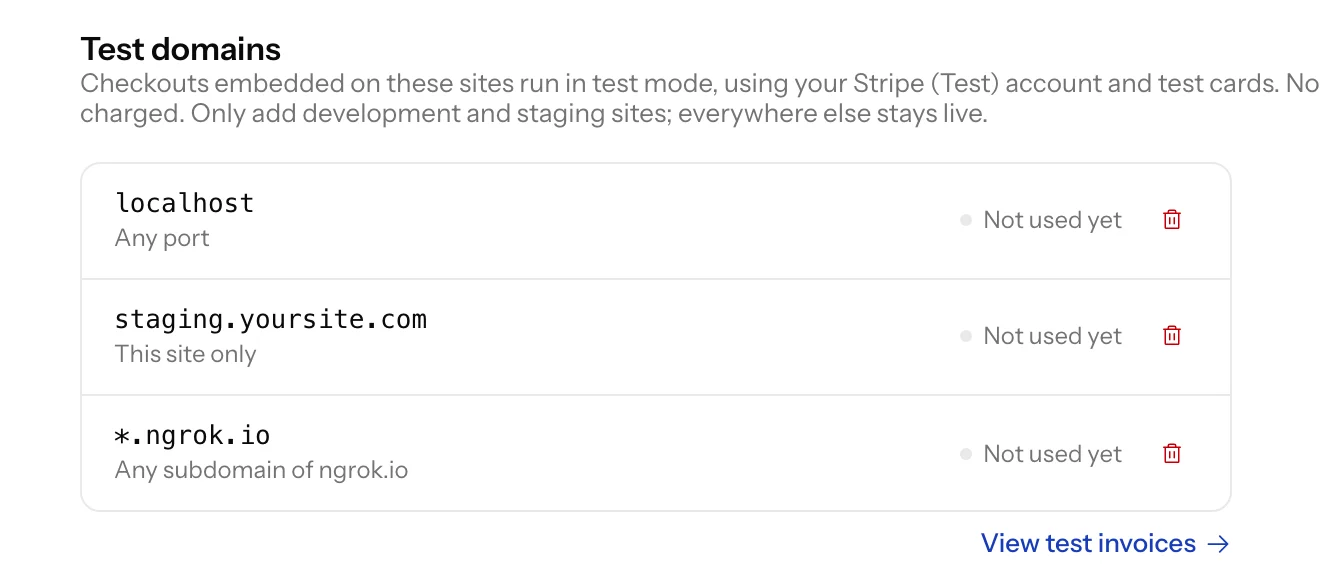
Connect a Stripe test account yourself
Anyone on your team can now connect Stripe (Test) from Payments. The Invoices list gains a Mode filter so test purchases can be seen on their own, and a checkout without a test account says it will run live rather than calling itself a test.
Your Stripe coupons, in Plandalf
The Coupons page reads the coupons in your Stripe account live and shows how often each has been redeemed. Import the ones you want to edit, one at a time. A Stripe coupon entered at checkout now also comes off the total the buyer sees.
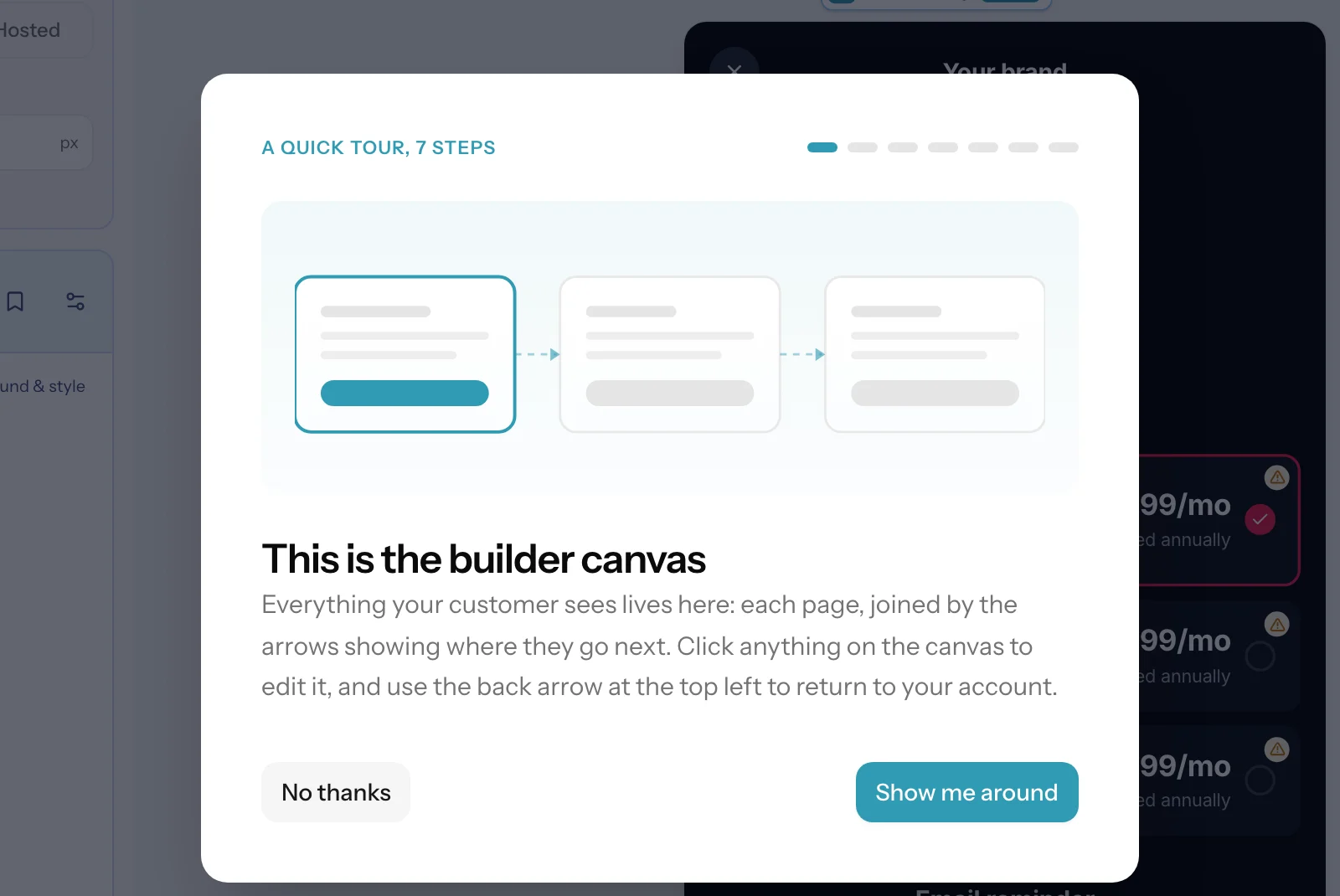
A walkthrough the first time you open the builder
Seven short steps point at the real controls: the canvas, Layout, Elements, Products, Themes, where your work saves and where undo lives, and Preview and Share.
identify() keeps your Stripe customer
When your identify() token names an existing Stripe customer, checkout now uses that customer instead of creating a new one.