> Sell one-time products, courses and bundles from a Ghost site. A Plandalf checkout opens from a Ghost button or Code injection, beside Ghost’s paid tiers.
Source: https://plandalf.com/platforms/ghost
Button card or Code injection
# Sell more than subscriptions from your Ghost site
Ghost runs the publication and its paid tiers. A Plandalf checkout opens from a Button card or Code injection for one-time products, courses and deadline offers.
[Start your 14-day free trial](https://admin.plandalf.dev/signup)[How it works](#setup)
No native Ghost integration. Plandalf does not add buyers to Ghost members.
**Ghost**
**Plandalf**
**Stripe**
- `checkout.completed`
- `invoice.paid`
How it connects
## Ghost runs the publication. Plandalf runs the other sales.
Ghost keeps members and tiers. A button in a post opens a Plandalf Offer.
How Plandalf reaches Ghost
Button card or Code injection
A Ghost Button card linking to a hosted checkout, or the SDK in Settings, Code injection and markup in an HTML card.
Keep memberships in Ghost. When you also sell a course, a workshop, a template pack or an upgrade, a button in a post opens a Plandalf Offer, Stripe takes the payment and Plandalf records the sale. Buyers do not become Ghost members unless you wire that up yourself.
Checkout embed available
Ghost owns
- Posts, pages and newsletters
- Members and paid tiers
- Themes, domain and hosting
Plandalf owns
- One-time products and bundles
- Upsells and deadline offers
- Invoices and post-purchase automation
Same on every platform: payment goes through your own Stripe or PayPal account, Plandalf keeps the invoice, and every Offer has a hosted link and a test mode link.
What syncs
## What moves between Ghost and Plandalf
Plandalf has no Ghost app, so no member is created from a sale.
What
How it works
What it needs
Button card
Ghost’s Button card links to any URL, so it can point at Your checkout link from the Offer’s Share tab.
A published Offer
Code injection
Settings, Code injection. Put the SDK in the Site Footer and markup in an HTML card, or inject on a single post.
Access to Ghost Admin settings
Paid tiers
Ghost keeps its subscriptions. Plandalf does not touch tiers or members.
No action
Adding a buyer as a member
Not built. A Send Webhook step, or a Zapier catch hook, could call Ghost’s API from your own endpoint, but we have not built or tested it.
Your own receiver
Why add Plandalf
## What Ghost’s own checkout can’t do
From Ghost’s help centre. Ghost is built for publishing and memberships, and these are the edges for selling.
- ### Paid tiers are subscriptions
Each tier has monthly and yearly prices, with an optional free trial. The tiers help page describes no one-time or lifetime price.
- ### One-time money is gifts and tips
Ghost documents gift subscriptions and tips and donations as one-time payments. A one-time course or product is not a tier.
- ### No bumps, upsells or deadline countdowns documented
Ghost’s tiers and payments help pages do not describe order bumps, upsells or expiring deadline pricing.
Sources: [Ghost: create paid tiers](https://ghost.org/help/tiers/), [Ghost: gift subscriptions](https://ghost.org/help/gift-subscriptions/), [Ghost: transaction fees](https://ghost.org/help/are-there-really-no-transaction-fees/).
Set it up
## Add Plandalf to Ghost in three steps
Start with a Button card. Add the script if you want the checkout to open over the post.
1. 1
### Use the hosted link in a post
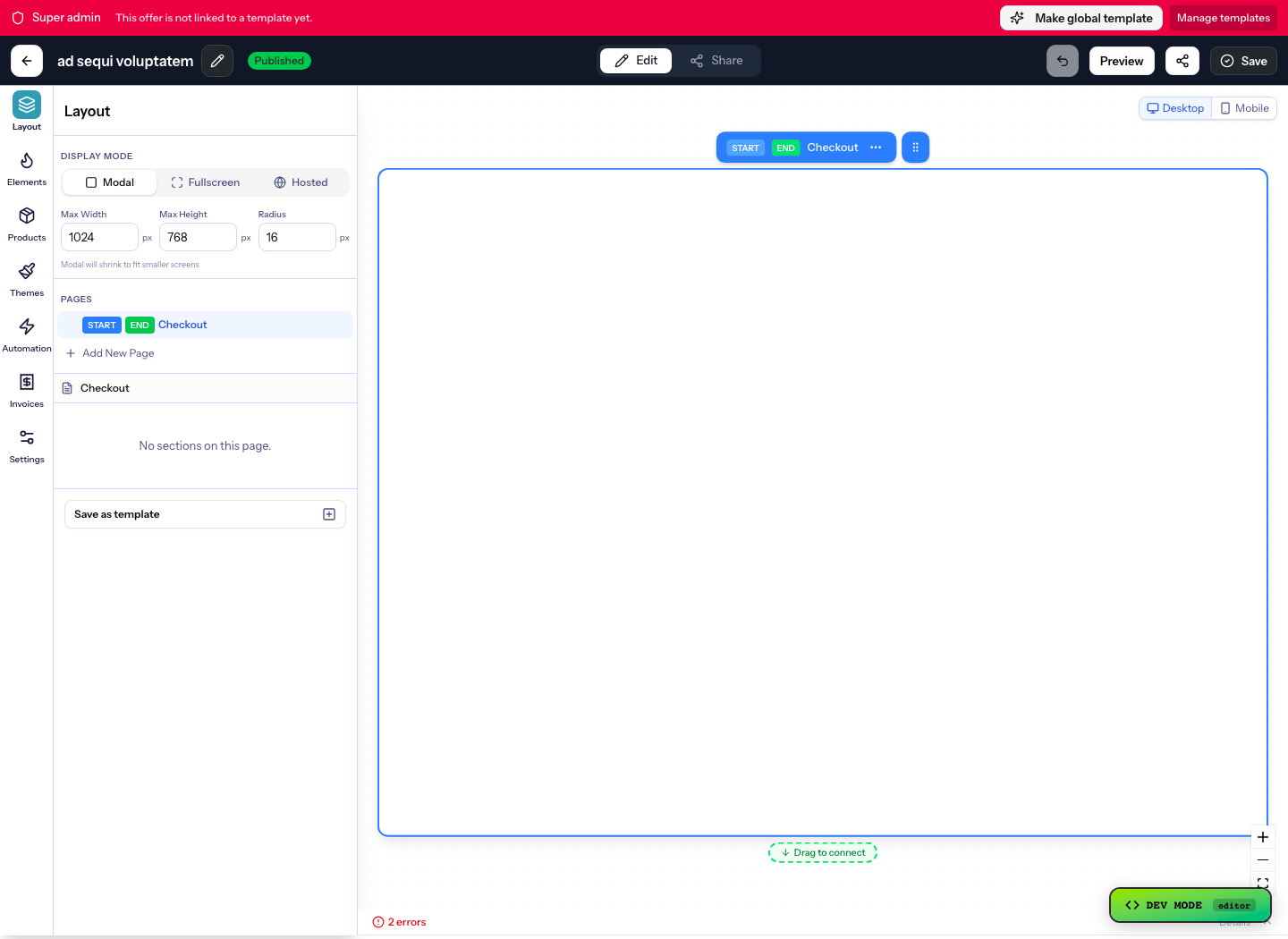
In the Ghost editor add a Button card, set the text and paste Your checkout link from the Offer’s Share tab. Publish and click it.
2. 2
### Load the script with Code injection
Open Settings, then Code injection. Paste your SDK script into the Site Footer, which Ghost places before the closing body tag, and save. Use the post’s sidebar injection to keep it to one post.
```
```
3. 3
### Add the markup with an HTML card
Add an HTML card with a button carrying your offer slug, or a div with data-plandalf-promo for a countdown. Test the published post signed out.
```
```
Plandalf · Ghost
Gotchas
## What catches people out on Ghost
- ### Buyers are not members
A paid Plandalf checkout does not create a Ghost member or grant a tier. If a purchase should unlock members-only posts, that needs your own wiring.
- ### Wrap code in tags
Ghost needs script tags around JavaScript in Code injection. Ghost recommends the footer for JavaScript so it loads properly.
- ### An HTML card does not say it runs scripts
Ghost’s HTML card page does not say whether scripts run, so put the SDK in Code injection and keep the card to markup. Check the published post.
- ### Theme selectors vary
Scripts that target page elements by a theme class may need adjusting when you change theme.
- ### We have not published a tested walkthrough
These steps follow Ghost’s help articles. We have not published screenshots from a Ghost replay.
Integrations
## Keep your site. Upgrade how it sells.
Plus a fully documented REST API and webhook layer for whatever’s not in the list.
- 
- 
- 
- 
- 
- 
- 
- 
- 
- 
- 
- 
- 
- 
- 
- 
- 
- 
- 
- 
- 
- 
- 
- 
- 
- 
- 
- 
- 
- 
- 
- 
- 
- 
- [\+ more](https://plandalf.com/integrations "All integrations")
Questions
## Ghost checkout and Stripe questions
The short answers. The docs have the long ones.
Can I sell one-time products on Ghost?
Ghost’s documented tiers are subscriptions, with gifts and tips as one-time payments. For a one-time course or product, open a Plandalf Offer from a Button card or a button in an HTML card.
Do I need a separate Stripe account for Plandalf and Ghost?
No. Ghost connects to your Stripe account for tiers, and Plandalf connects to a Stripe account for its offers. They can be the same account. Ghost itself takes no transaction fee, only Stripe’s.
Does a Plandalf purchase make someone a Ghost member?
No. There is no native Ghost integration. A webhook or a Zapier catch hook to your own receiver could add a member, but we have not built or tested that.
Can I add an upsell on top of Ghost’s paid tiers?
Ghost’s tiers help pages describe no bumps or upsells. Sell the add-on as a Plandalf Offer that you link from your tiers page or a post.
Can I add a countdown timer to a Ghost post?
Yes, with a Plandalf Promo. Load the script in Code injection and add a div with data-plandalf-promo and your promo slug to an HTML card.
Does Code injection need a particular Ghost plan?
Ghost’s tutorial does not say. Check Settings in your Ghost admin for Code injection.
The team
## Built by a team obsessed with conversion.

15\+ years testing every pricing model under the sun. Every part of Plandalf comes from a real checkout problem we’ve had to solve ourselves.
[Start your 14-day free trial](https://admin.plandalf.dev/signup)
No credit card required. Nothing to migrate.